Settings
The Settings tab is where you configure everything about how Curobi behaves for your store and your customers — the customer portal, email branding, the cancellation save flow, and scheduling.
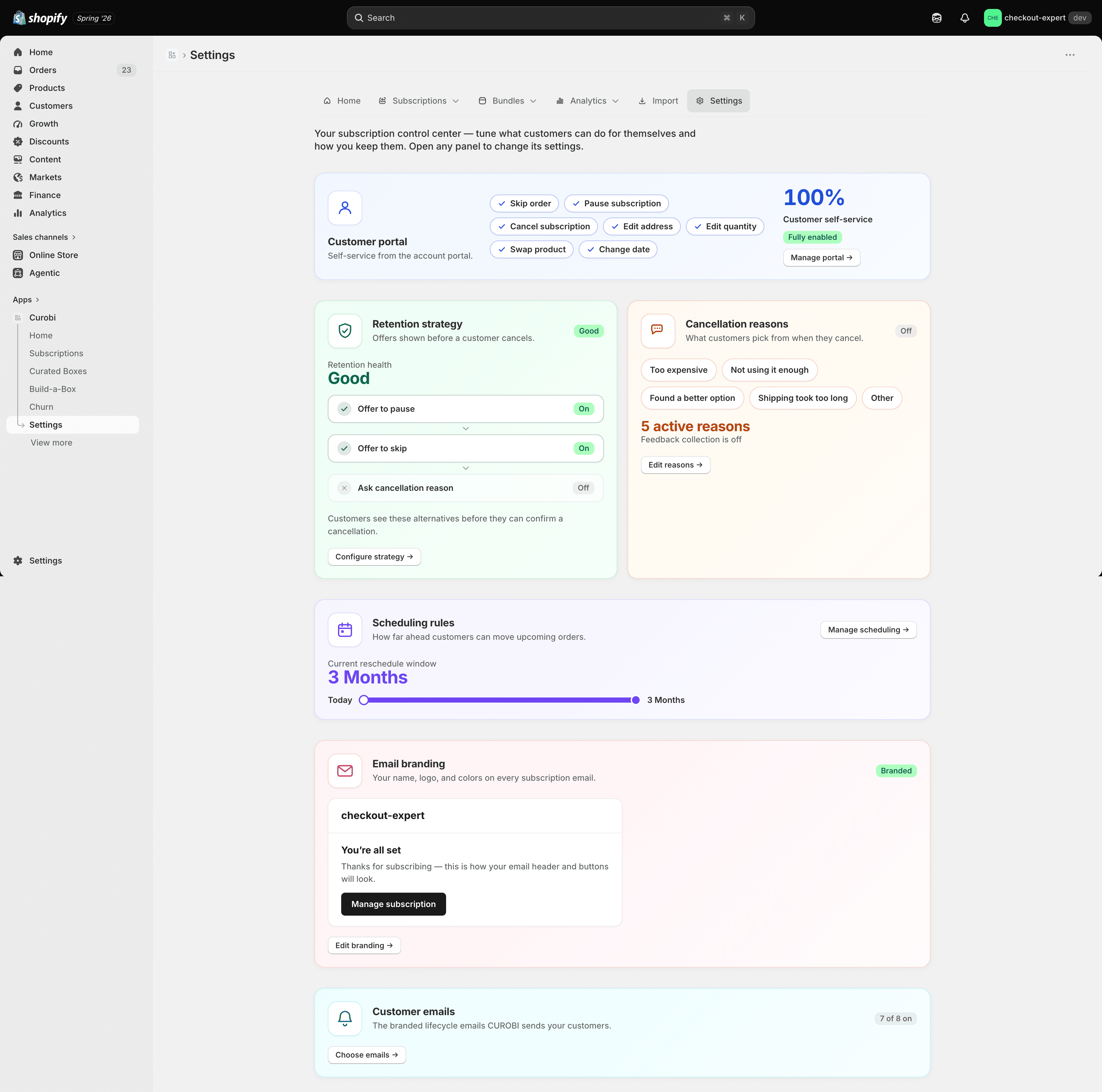
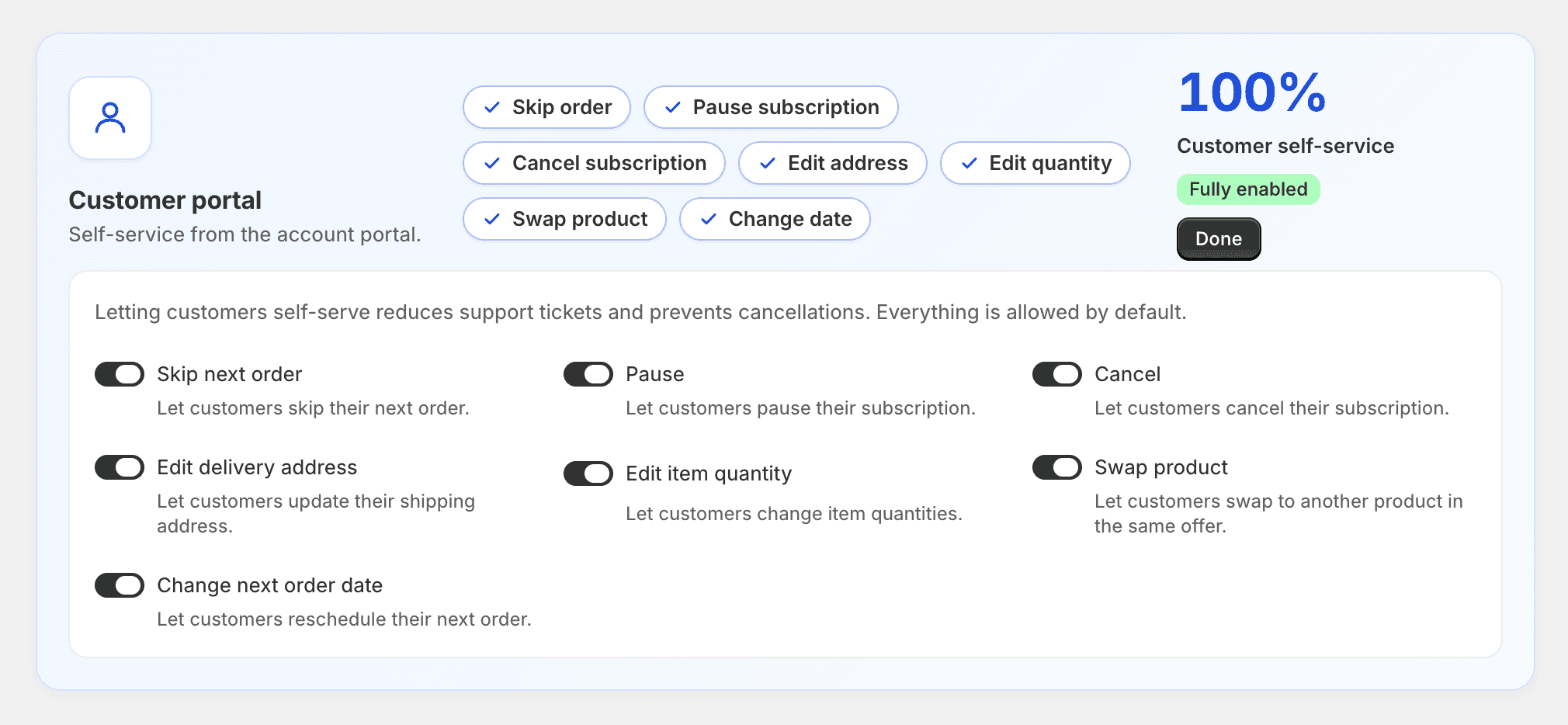
Customer portal
Choose which self-service actions customers can use — skip, pause, cancel, edit address, change quantity, swap product, and change the next order date. Any action you turn off simply doesn’t appear in the customer portal; nothing breaks on the customer’s side. Change quantity, swap product and change the next order date also need the Starter plan or above — on Free they stay hidden even when switched on here (see Plan requirements).

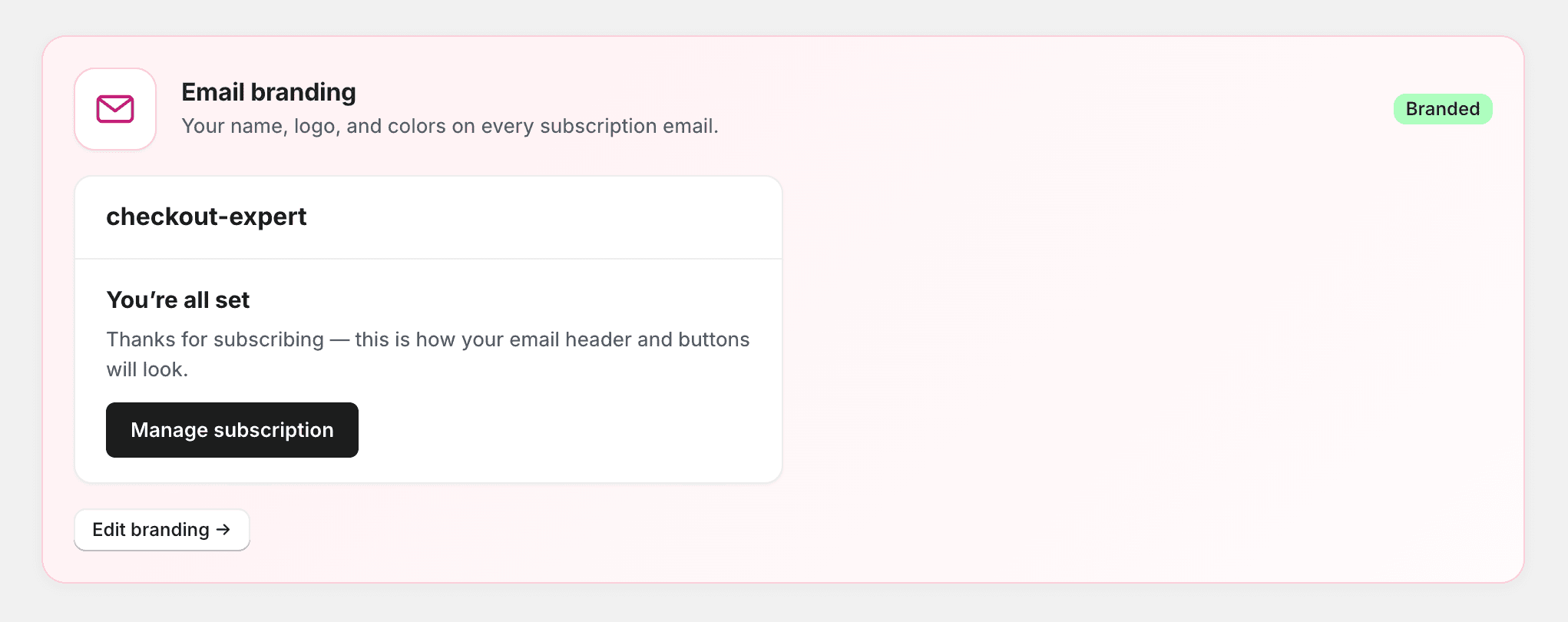
Email branding
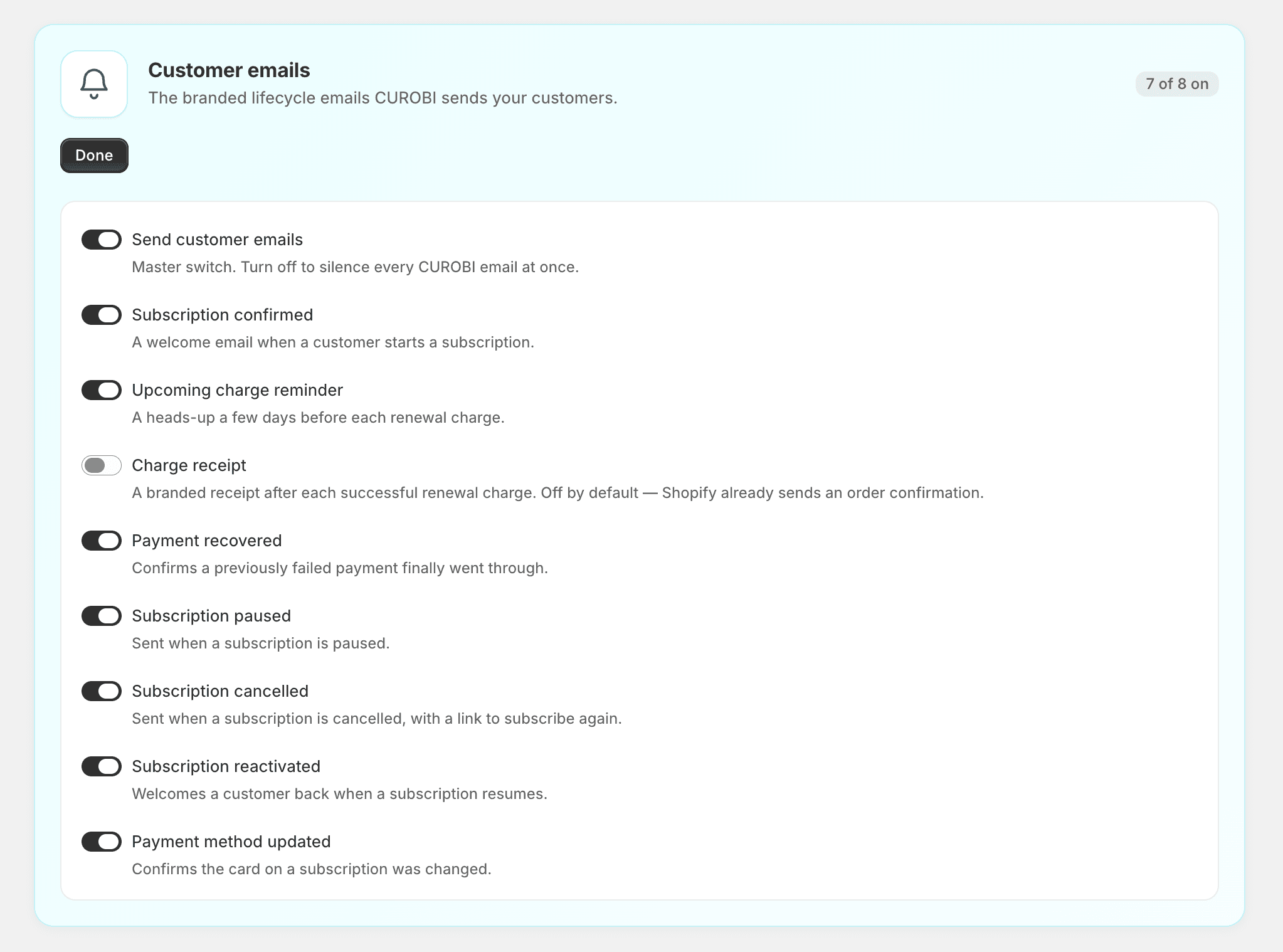
Set your logo, colors, and from-name so every customer notification looks like it came from you, not a generic system address.
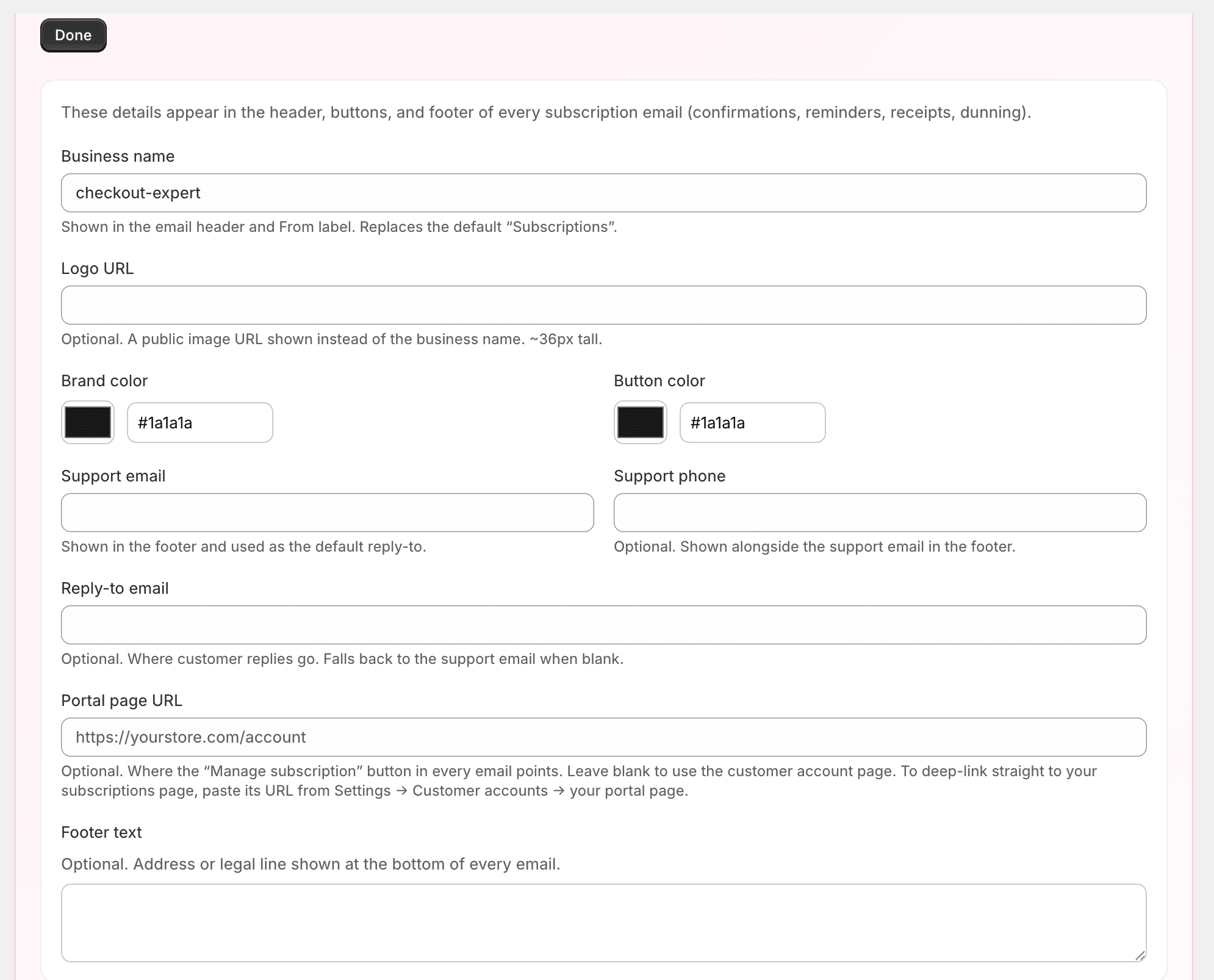
You can also toggle each email type on or off independently.
Retention strategy (cancellation save flow)
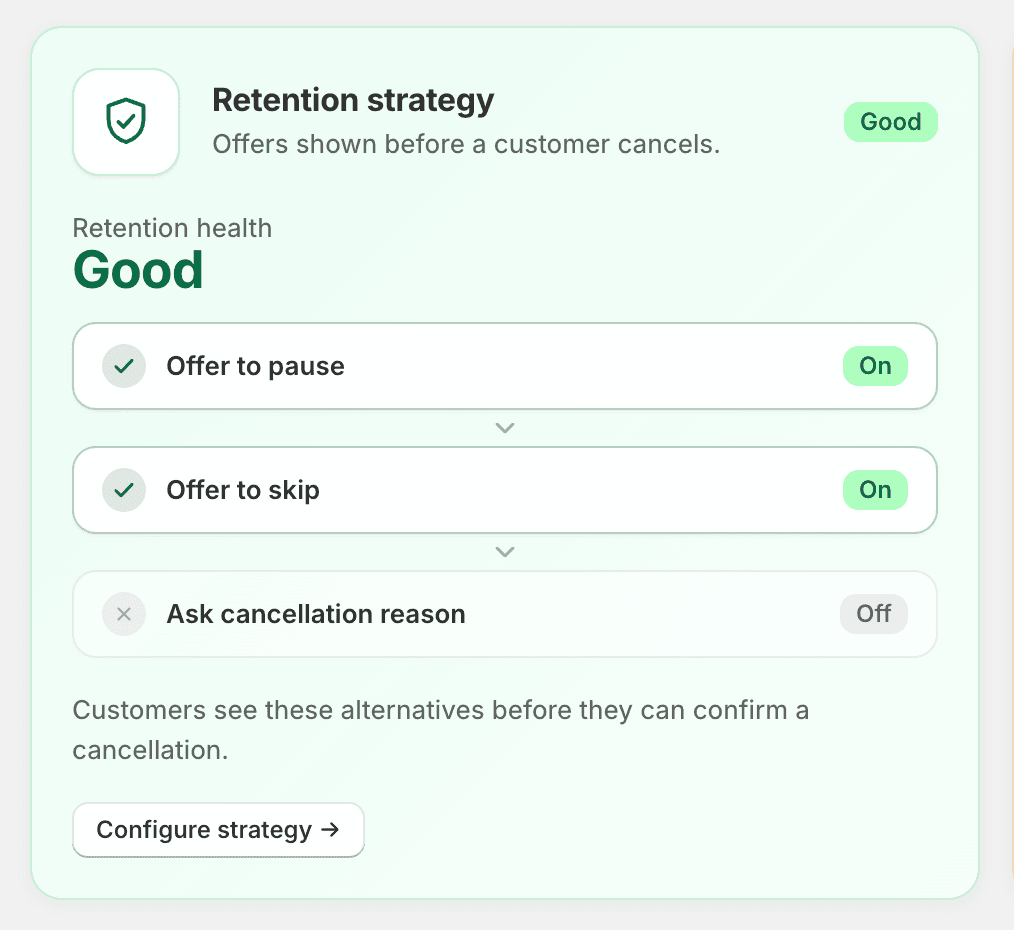
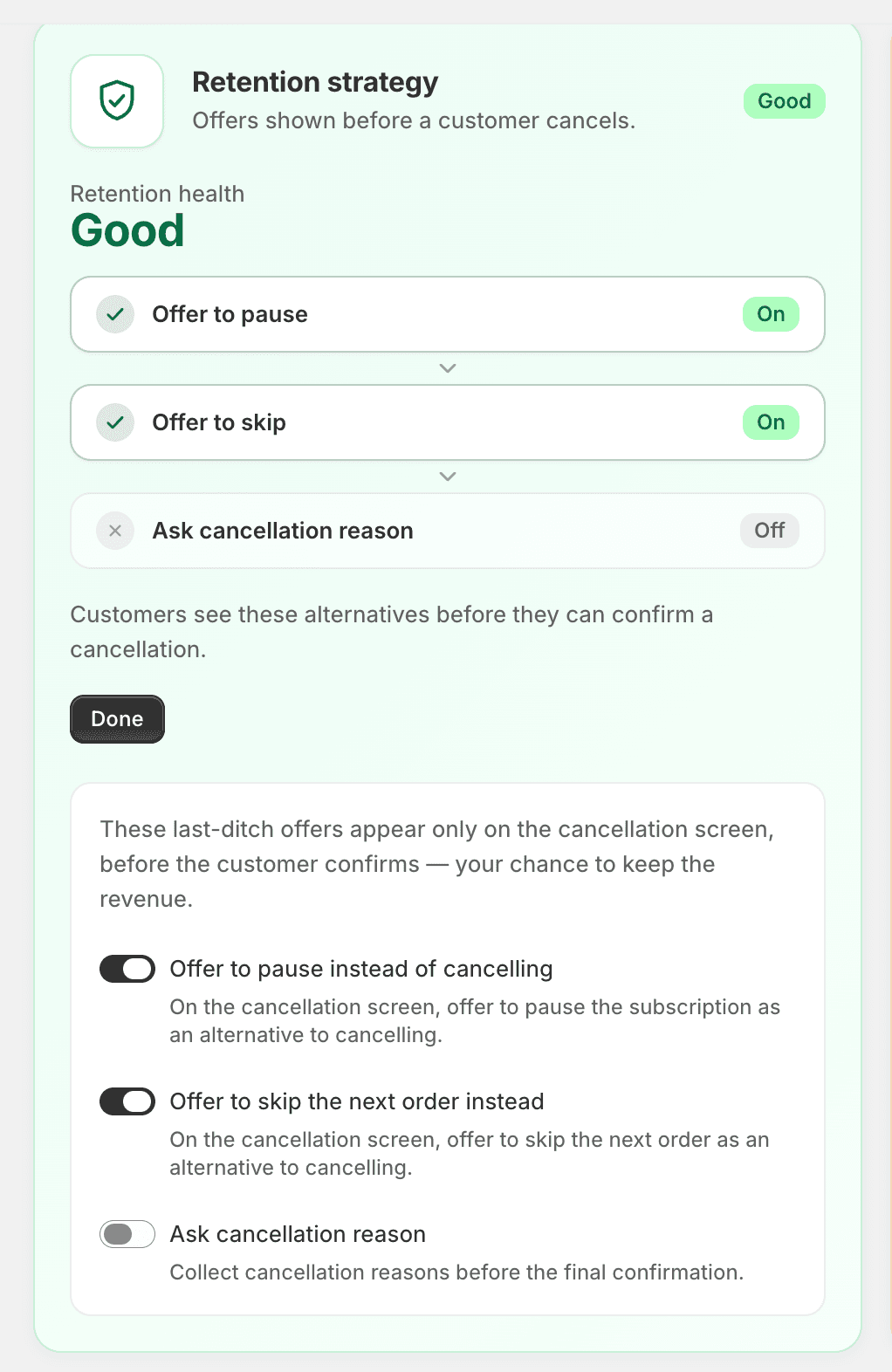
Configure the cancellation save flow — which retention offers appear when a customer tries to cancel, and in what order. The pause and skip offers need the Starter plan or above; the cancellation reason survey works on every plan.
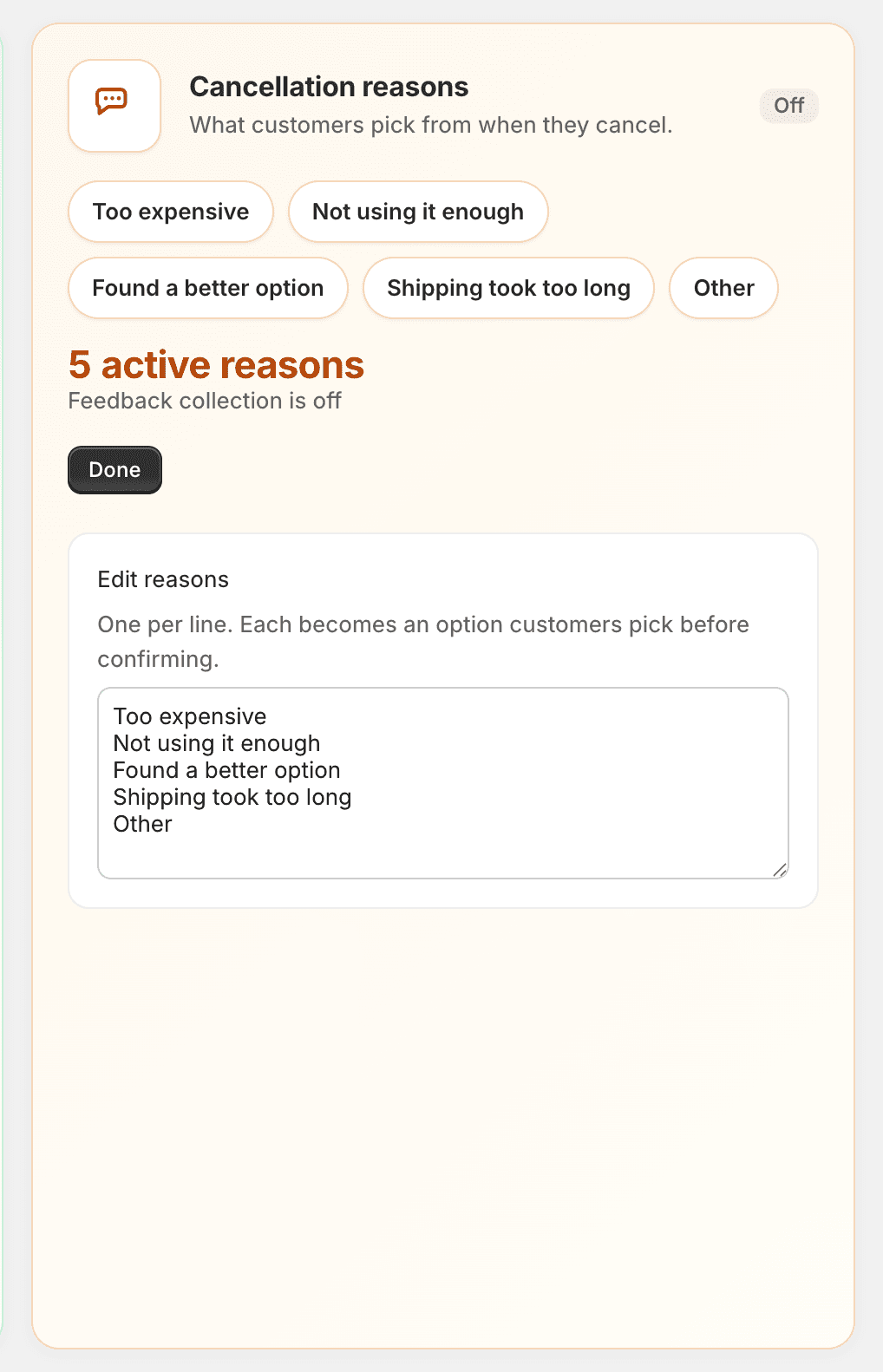
Cancellation reasons
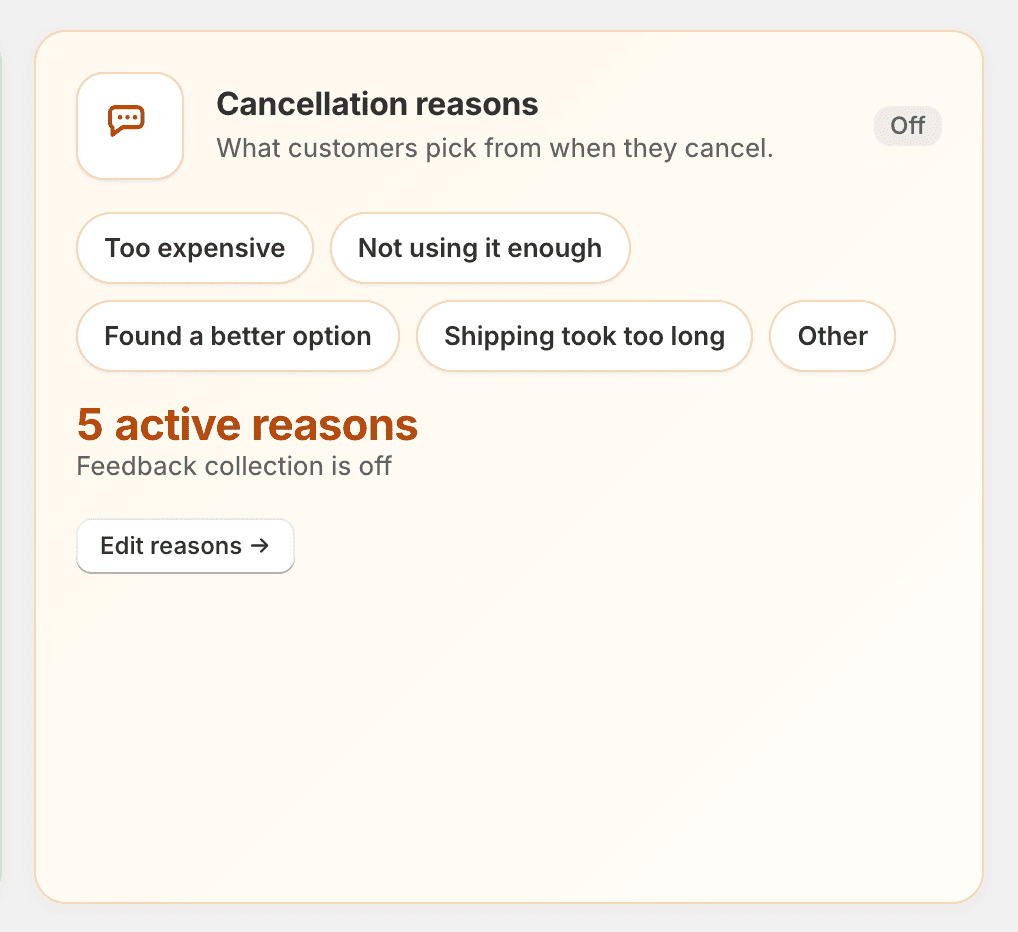
Define the list of reasons customers can pick from when they cancel. These feed directly into Churn Insights.
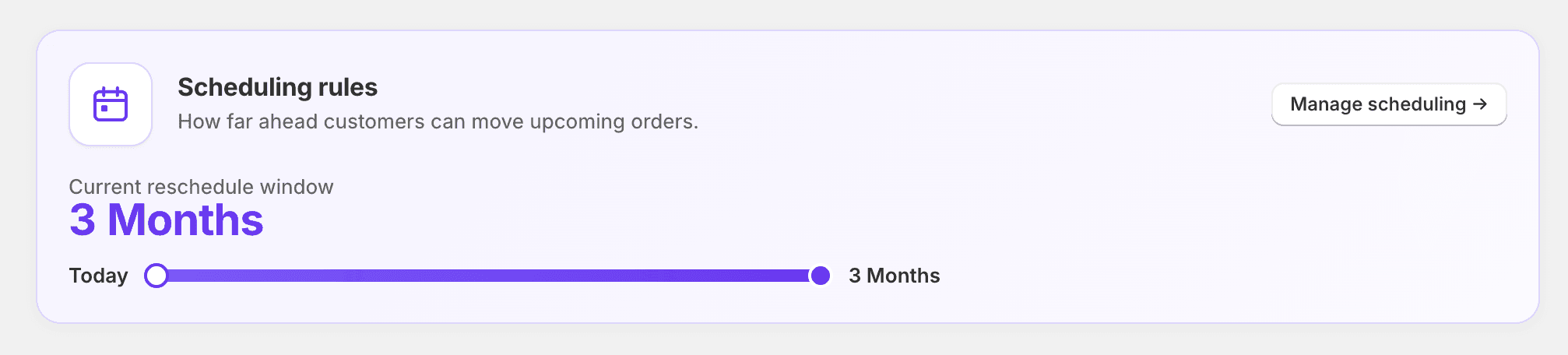
Scheduling rules
Control the timing behavior of subscriptions and box programs — such as when box selection cutoffs and propagation happen relative to each billing cycle.
To charge every subscriber on the same date, set a fixed calendar on the plan or box itself, not here — see Billing Schedules.